Proyecto 0 /Project 0
A downloadable game for Windows
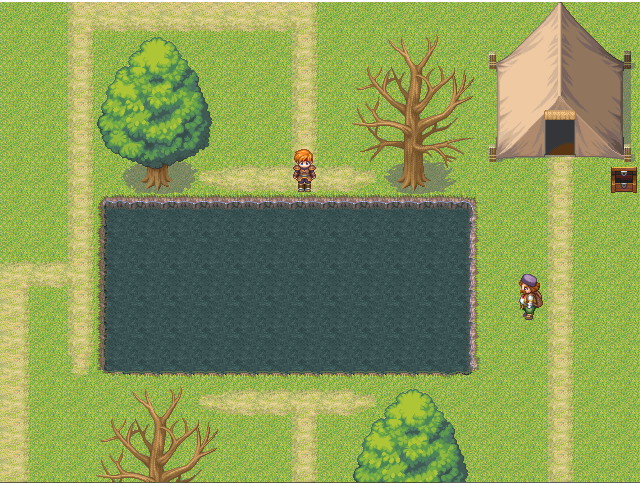
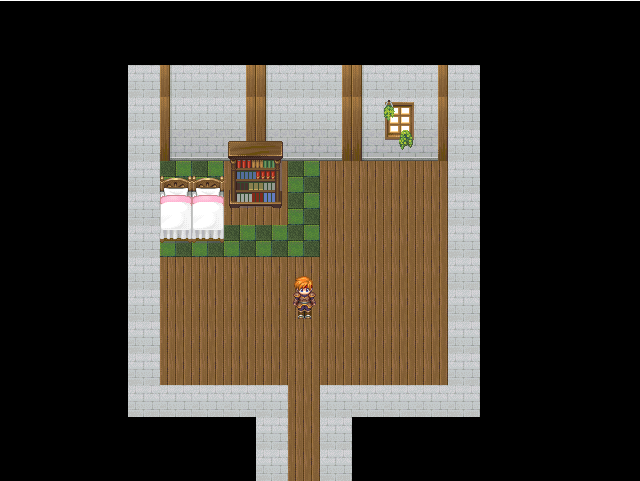
Este es una pequeña parte de lo que podría llegar a ser un juego muy grande.
En este momento estamos en lo que llamamos la Fase Génesis Clásica Creativa, en la cual podrás empezar a investigar todo el entorno y pasar el rato si estás aburrido.
A pesar de que es muy pequeño, por ahora trabajaremos para que sea gigantesco y siga siendo sandbox. Por ahora solamente está en español.
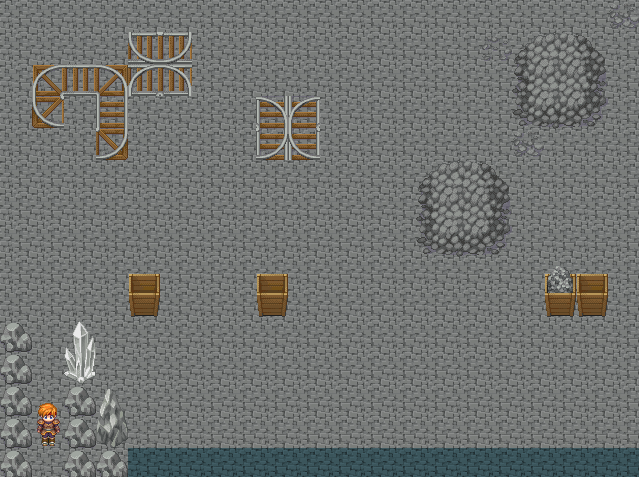
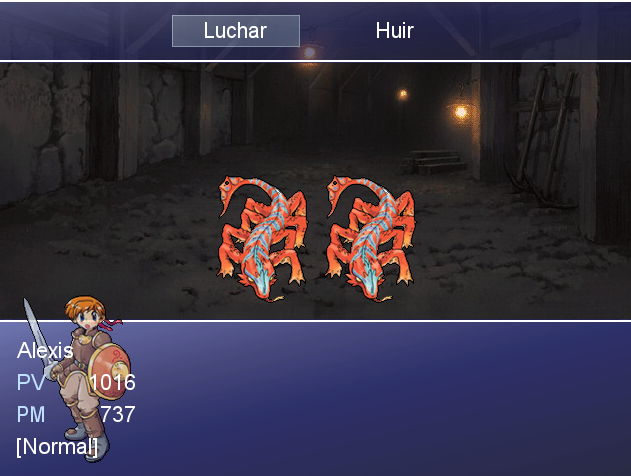
PD: ¡Actualizaciones 1.2, 1.3 y 1.4! Son actualizaciones simples pero eficaces, de las cuales hemos solucionado un error de la entrada a la cueva, hemos cambiado el diseño de los cofres y mejor generación de spawneo en los mobs en las cuevas. ¡Descúbrelo!
This is just a small part of what could become a very large game.
Right now we are in what we call the Classic Creative Genesis Phase, in which you can start investigating the entire environment and pass the time if you are bored.
Even though it's very small, we're working to make it huge while still maintaining its sandbox feel. For now, it's only available in Spanish.
P.S. Updates 1.2, 1.3, and 1.4 are here! These are simple but effective updates, including fixing a bug with the cave entrance, changing the chest design, and improving mob spawning in caves. Check them out!
Download
Install instructions
Instrucciones de Instalación:
Descarga el archivo ZIP que aparece abajo.
Descomprime el contenido en una carpeta de tu ordenador (puedes usar WinRAR, 7-Zip o la herramienta nativa de Windows). No intentes jugar directamente desde el ZIP, ya que no se guardará tu partida.
Entra en la carpeta y busca el archivo llamado Game.exe (tiene un icono de un sol o un engranaje).
Haz doble clic en Game.exe para empezar a jugar.
Opcional: Si el juego te da un error de "RGSS-RTP Standard not found", por favor descarga e instala el RTP de RPG Maker XP desde el sitio oficial.
Controles:
Flechas: Movimiento.
Z / Enter / Espacio: Aceptar / Interactuar.
X / Esc: Menú / Cancelar o borrar.
Alt + Enter: Pantalla completa.
_________________
Installation Instructions:
Download the ZIP file below.
Extract the contents to a folder on your computer (you can use WinRAR, 7-Zip, or the built-in Windows tool). Do not attempt to play directly from the ZIP file, as your progress will not be saved.
Open the folder and locate the file named Game.exe (it has a sun or gear icon).
Double-click Game.exe to start playing.
Optional: If the game displays an "RGSS-RTP Standard not found" error, please download and install the RPG Maker XP RTP from the official website.
Controls:
Arrow Keys: Movement.
Z / Enter / Spacebar: Accept / Interact.
X / Esc: Menu / Cancel or Delete.
Alt + Enter: Full Screen.
Comments
Log in with itch.io to leave a comment.
WoW, está genial